Here's a question worth asking on a quiet Monday morning: if your laptop stopped working today — stolen, dropped, or simply refusing to switch on — how much of your business would go with it?
For a lot of small businesses, the honest answer is "more than we'd like to admit." Client records, invoices, quotes, years of email, that one spreadsheet the whole company secretly runs on.
Your data really is the heart of your business, and yet backups tend to sit in the same mental category as gym memberships and dentist visits: important, intended, not quite happening.
The good news is that getting properly backed up is neither complicated nor expensive. Here's how we approach it — and what it costs.
What a Proper Backup Looks Like
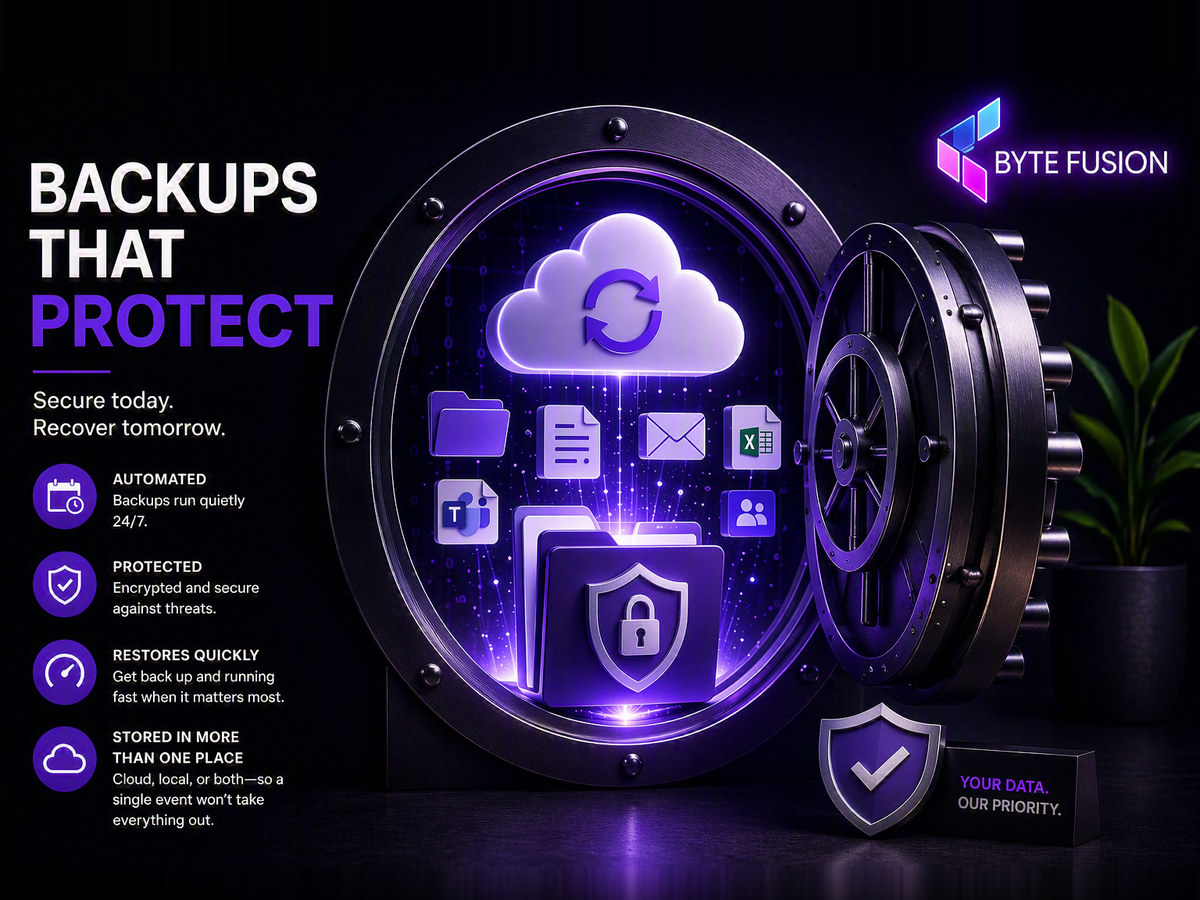
- It's Automated. The most common reason backups fail is that they rely on a person remembering to do them. Scheduled, automatic backups run quietly in the background, protecting your data 24/7.
- It's Protected. A backup is only useful if it's safe itself. Encryption and security measures protect your data against theft, loss, hardware failure, and ransomware attacks.
- It Restores Quickly. Backups are really about recovery. Whether it's a deleted file or a failed computer, a good solution gets you back to work fast.
- It's Stored in More Than One Place. Cloud, local, or both. The goal is ensuring a single event can't destroy both your data and your backup.
“But We Use Microsoft 365 — Isn't That Backed Up?”
This is one of the most common misconceptions we come across. Microsoft 365 keeps your services running, but protecting your individual business data is largely your responsibility.
Deleted items eventually disappear, retention periods expire, and compromised accounts can lead to damaged or lost files and emails.
That's why we back up Microsoft 365 separately — including Exchange mailboxes, OneDrive, SharePoint and Teams data — ensuring that “it's in the cloud” also means “it's safe.”
What It Costs
Full Desktop Backup
Including VAT. Your entire machine is automatically backed up and quickly recoverable when disaster strikes.
Microsoft 365 Backup
Including VAT. Protect email, OneDrive files, SharePoint data and Teams content beyond Microsoft's standard retention policies.
Where to Start
If you do only one thing after reading this, do this: check when your files were last backed up.
If you don't know how to check, or the answer makes you uneasy, that's exactly what we're here for.
We'll gladly review your current setup, tell you what's protected and what isn't, and recommend the simplest solution that properly covers your business.
Backup Today, Breathe Easy Tomorrow
No jargon. No scare tactics. Just backups that work, so you can stop thinking about them and focus on running your business.