A practical look at building a reliable and secure work-from-home environment
The Challenge
When four people work from the same home, your network has to perform like a small business system. It needs to be stable, fast, and secure enough to handle video calls, file transfers, and daily online tasks without interruption.
But once the workday ends, that same setup needs to shift into something different—a safe and family-friendly home network.
Creating a space that supports both productivity and peace of mind requires thoughtful planning.
Step 1: Fixing the Wi‑Fi Experience
The Problem
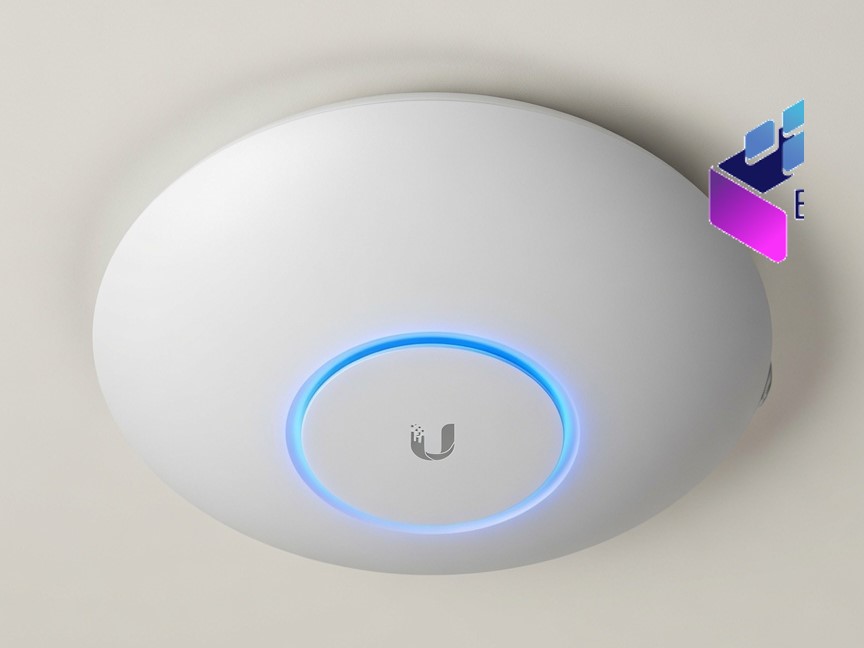
At first, the workspace had strong Wi‑Fi coverage, but the rest of the house didn’t. Some rooms struggled with weak signals, while devices would randomly switch between networks as people moved around the house.
This led to dropped calls, unstable connections, and constant frustration.
The Solution
- Expanded coverage across the entire home
- Unified the wireless network so everything runs through one system
- Removed overlapping signals that caused devices to "jump" between networks
The Result
The Wi‑Fi now feels invisible—in the best way possible. Whether you're in the office or relaxing in another room, your connection stays stable and consistent.
Step 2: Staying Online, No Matter What
The Problem
With multiple people working online, losing internet—even briefly—can disrupt the entire day.
The Solution
A backup internet connection was put in place to take over automatically if the main connection fails.
The Result
If there’s an outage, the switch happens quietly in the background. Work continues without interruption, and most users won’t even notice a change.
Step 3: One Network, Two Roles
The Problem
During the day, the network needs to protect work devices from online threats. In the evening, it needs to provide a safe browsing environment for the whole family.
The Solution
- Protecting users from harmful websites and online risks
- Keeping browsing safe and appropriate for all ages
- Allowing different settings for work hours and home use
The Result
The same system adapts throughout the day—supporting professional work when needed, then shifting into a safer space for family life.
Step 4: Protecting Each Device
The Problem
Even with strong network security, risks can still reach individual devices through downloads, emails, or external storage.
The Solution
Each workstation was equipped with its own protection to detect and stop threats directly at the device level.
The Result
Security is no longer dependent on just one layer. Even if something slips through, it can be caught and contained quickly.
Final Thoughts
Building a home office for multiple users isn’t just about better internet—it’s about creating a reliable, secure environment that supports both work and home life.
The biggest shift is in mindset:
You’re not just working from home—you’re running a professional environment within your home.
With the right setup, you can enjoy seamless connectivity during the day and a safe, worry-free space in the evening.
That’s the difference between a basic home office and one that truly works.